Atlas
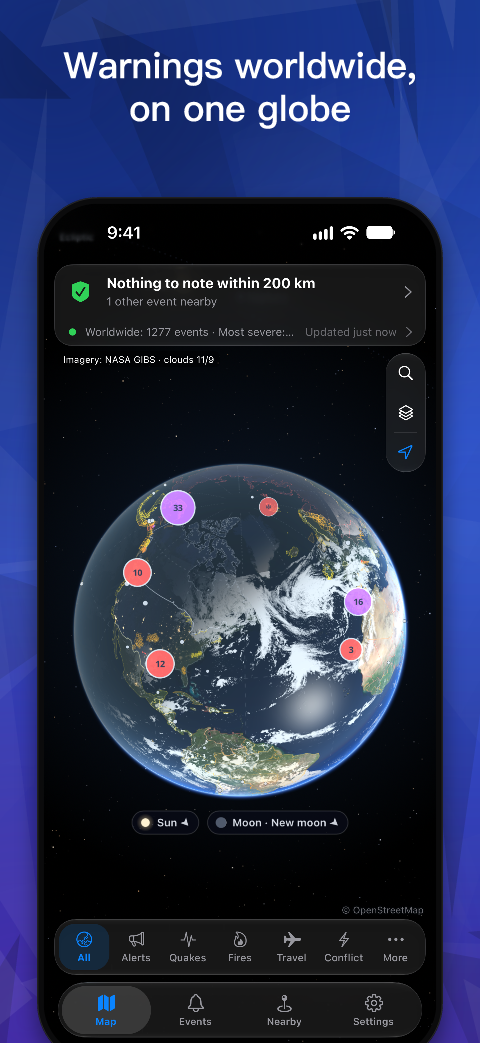
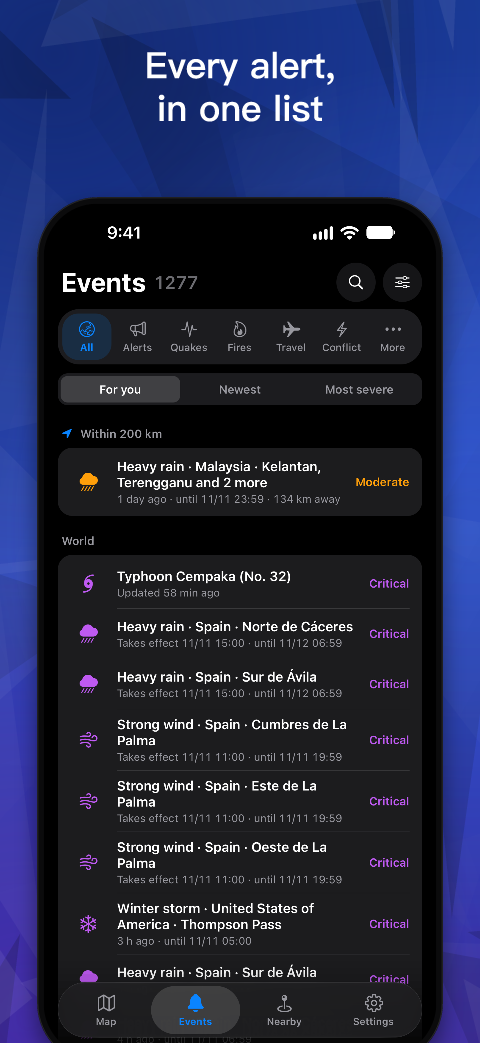
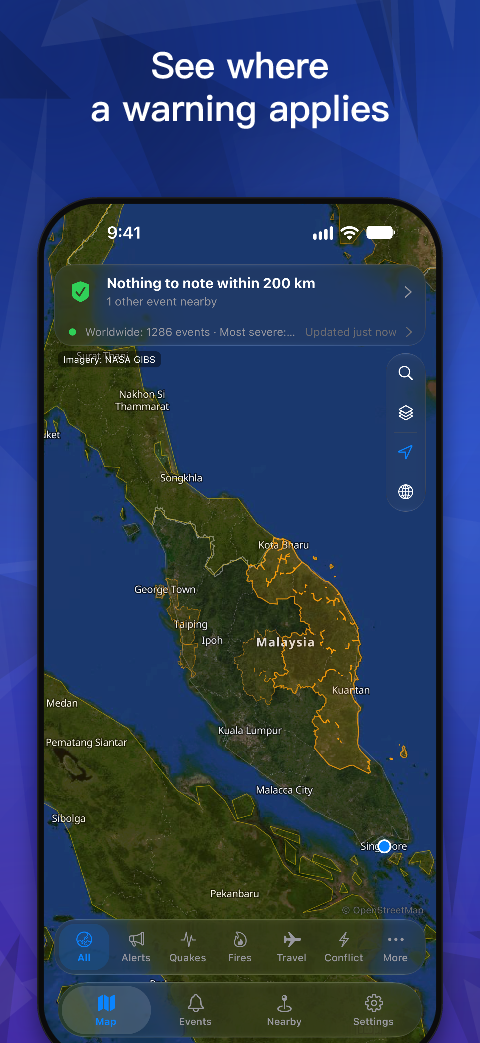
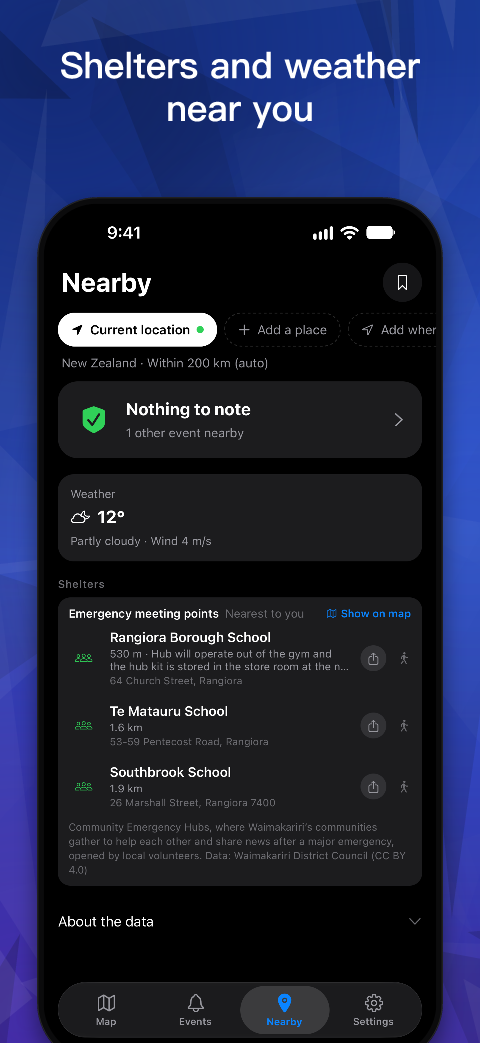
Official warnings and hazard information from around the world on one map, with alerts only when something happens near you or near the places you keep.
Questions
Why didn’t I get an alert?
- Check that notifications are on in the app’s Settings > Notifications, and that iOS lets Atlas send notifications.
- Alerts cover events near you, within the radius you set, and near the places in My places.
- While the app is closed, iOS decides when its background checks run, and they can come hours apart. iOS does not run them after you close Atlas from the app switcher, in Low Power Mode, or with Background App Refresh off. Settings > Notifications shows when the last check ran.
- Reminders of things announced ahead, such as a planned water cut, are scheduled on the phone and arrive on time.
- Do not rely on Atlas alone. In an emergency, follow official warning systems and instructions.
How often is the data updated?
It depends on the source, mostly every 2 to 15 minutes. Each item’s detail says when it was issued and by whom.
Why can’t I see events near me?
Make sure location access is allowed. Without it, the app still shows events worldwide, but not which are near you.
Where does the data come from?
Settings > Data sources lists every source, its licence and a link to its website. The licences of open data are also on the open data page.
How do I delete my data?
Settings > Data on this phone deletes it all, and deleting the app deletes everything too. Atlas has no accounts, and its server keeps none of your data (privacy policy).
Found a mistake in the data?
The issuing authority’s website is authoritative, and each item links to it. You are also welcome to write to me.
How do I cancel Atlas Pro?
On iPhone, open Settings > your name > Subscriptions > Atlas Pro, or in Atlas, Settings > Atlas Pro > Manage subscription. Cancel at least 24 hours before it renews. Atlas Pro stays until the end of the period you have paid for. Deleting the app does not cancel the subscription.
Atlas Pro is missing on a new phone
Sign in with the Apple Account you bought it with and open Atlas, which checks with Apple by itself. If Pro is still missing, open Settings > Atlas Pro and tap Restore purchases.
How do I get a refund?
Apple handles refunds for App Store purchases: go to reportaproblem.apple.com, sign in with your Apple Account and request a refund. I can’t refund App Store purchases myself.